S3 Files: same NFS mount, 13x cheaper


AWS FOR THE REAL WORLD
⏱️
Reading time: 10 minutes
🎯
Main Learning: S3 Files gives POSIX access at S3 prices: 13x cheaper than EFS for large files, but the 60-second write-back delay silently breaks coordination patterns!
πŸ“
🎬

Hey Reader πŸ‘‹πŸ½

Sandro is currently traveling through Portugal - work and fun combined! If you happen to be around, reach out. Would be great to meet up! 🀝

This week we're digging into S3 Files: a POSIX file system backed by an S3 bucket! πŸͺ£

The headline is 13x cheaper than EFS for large-file workloads. But there's a 60-second write-back delay that silently breaks patterns you're probably relying on right now. πŸ‘€

We'll walk through how it works, what breaks, and how to set it up with Lambda.
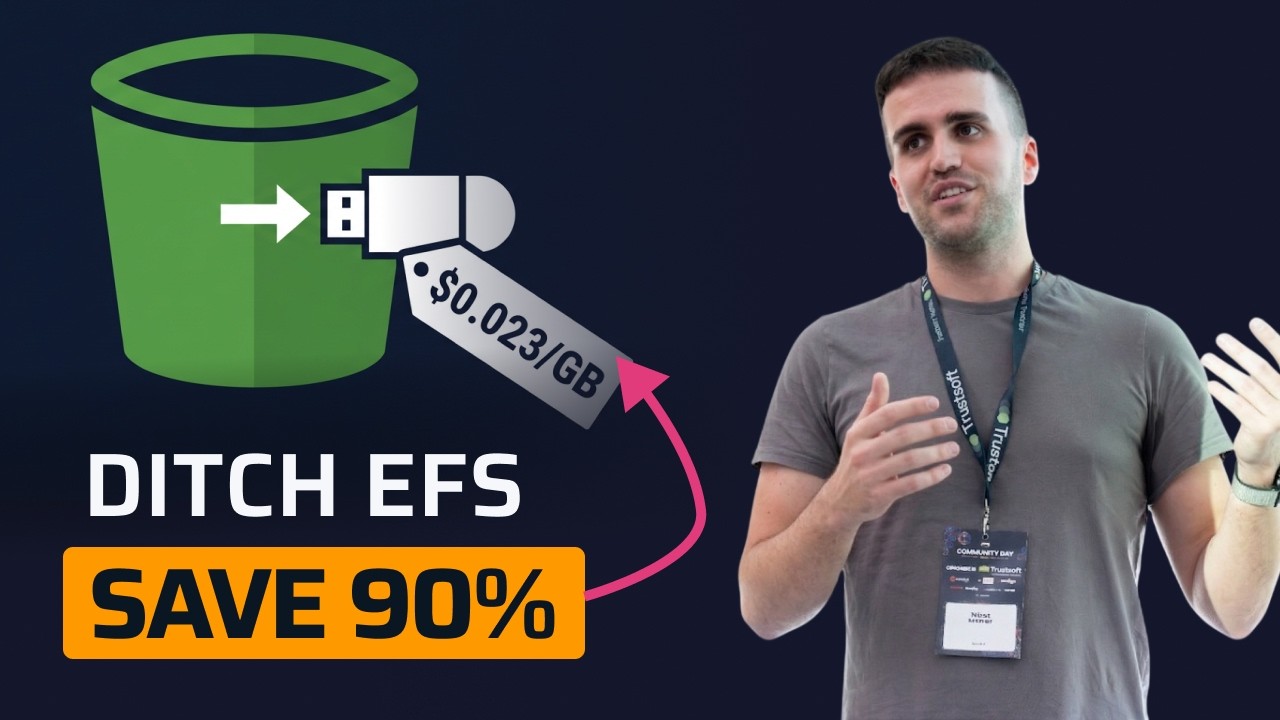
Rather watch a video? We've got you covered!

Sponsored

The only AI reviewer I actually kept using

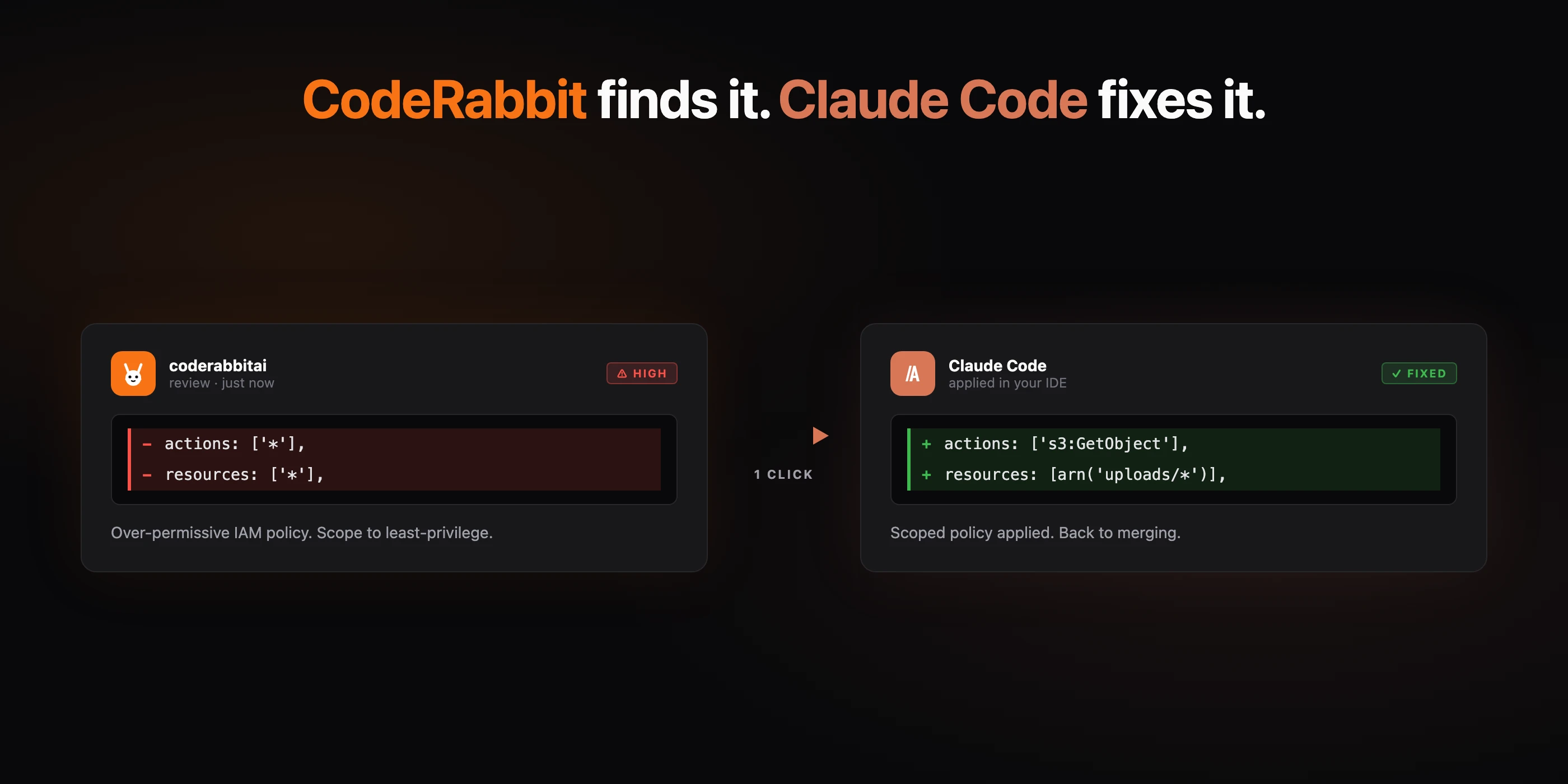
CodeRabbit pairing with Claude Code

One of the first serious code review tools I used was CodeRabbit - and I still haven't found a better reviewer. Copilot's review mode nitpicks everything and needs repo-level instructions just to be usable. CodeRabbit is built for reviews and it shows.

What I like even more now:

  • 🐰 Pairs with Claude Code. CodeRabbit finds the issue, one click, Claude Code fixes it in your IDE. The feedback loop is insane.
  • πŸ’» Free IDE extension. CLI, Cursor, Windsurf - reviews before you even push.
  • 🎁 Free for open source. Every OSS PR gets full reviews. No trial, no card.

Sponsored by CodeRabbit. Genuine recommendation πŸ’›

S3 Files β€” 13x Cheaper Than EFS

πŸ“š This Week's Deep Dive

S3 Files β€” 13x Cheaper Than EFS

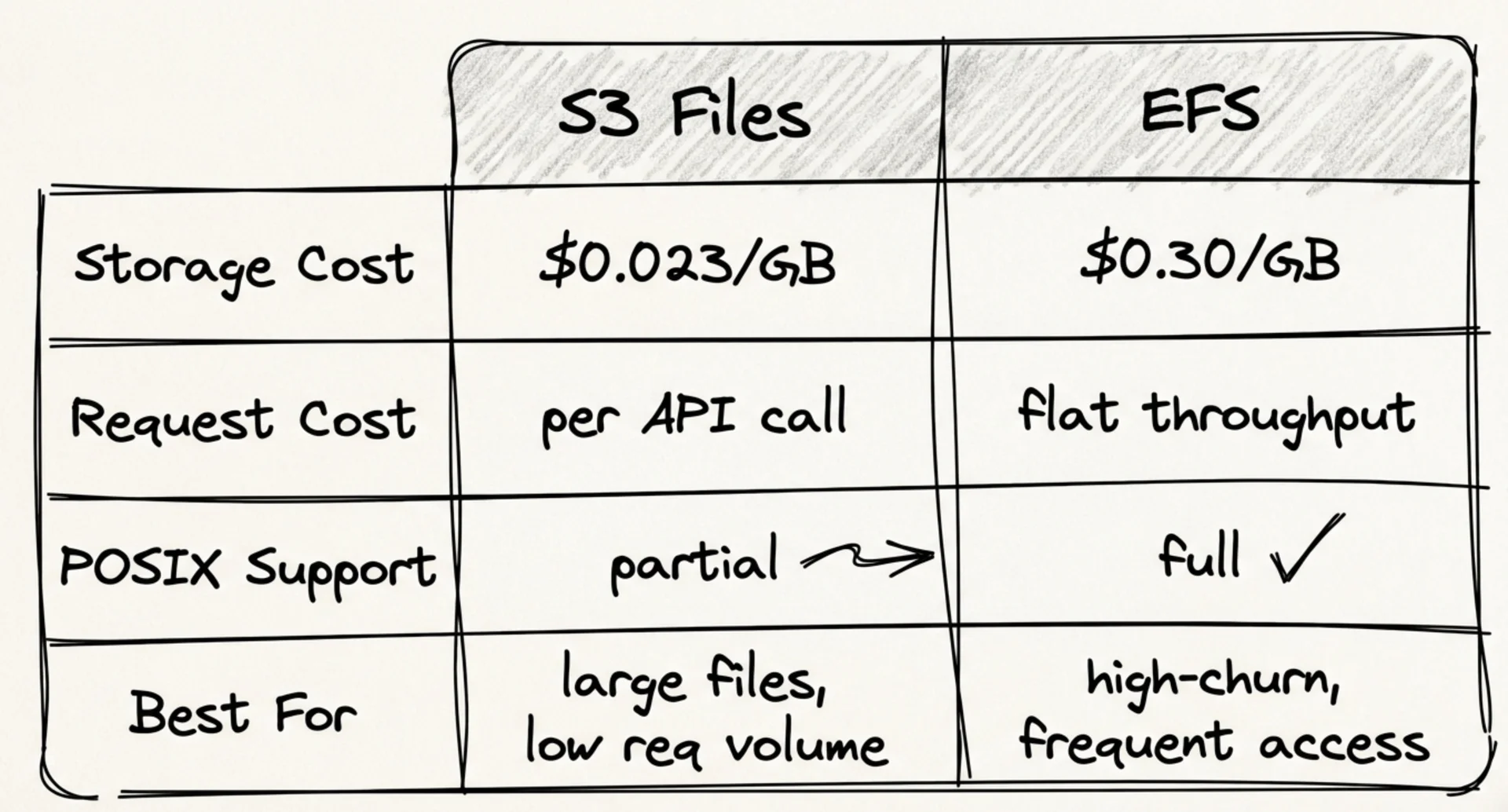
EFS Standard storage costs $0.30/GB-month. S3 costs $0.023/GB-month. AWS recently released S3 Files: a POSIX file system with an S3 bucket as the backing store. Same NFS mount, same fs.readFile calls, Lambda reads files like a normal file system. The data just lives in S3 instead of EFS.

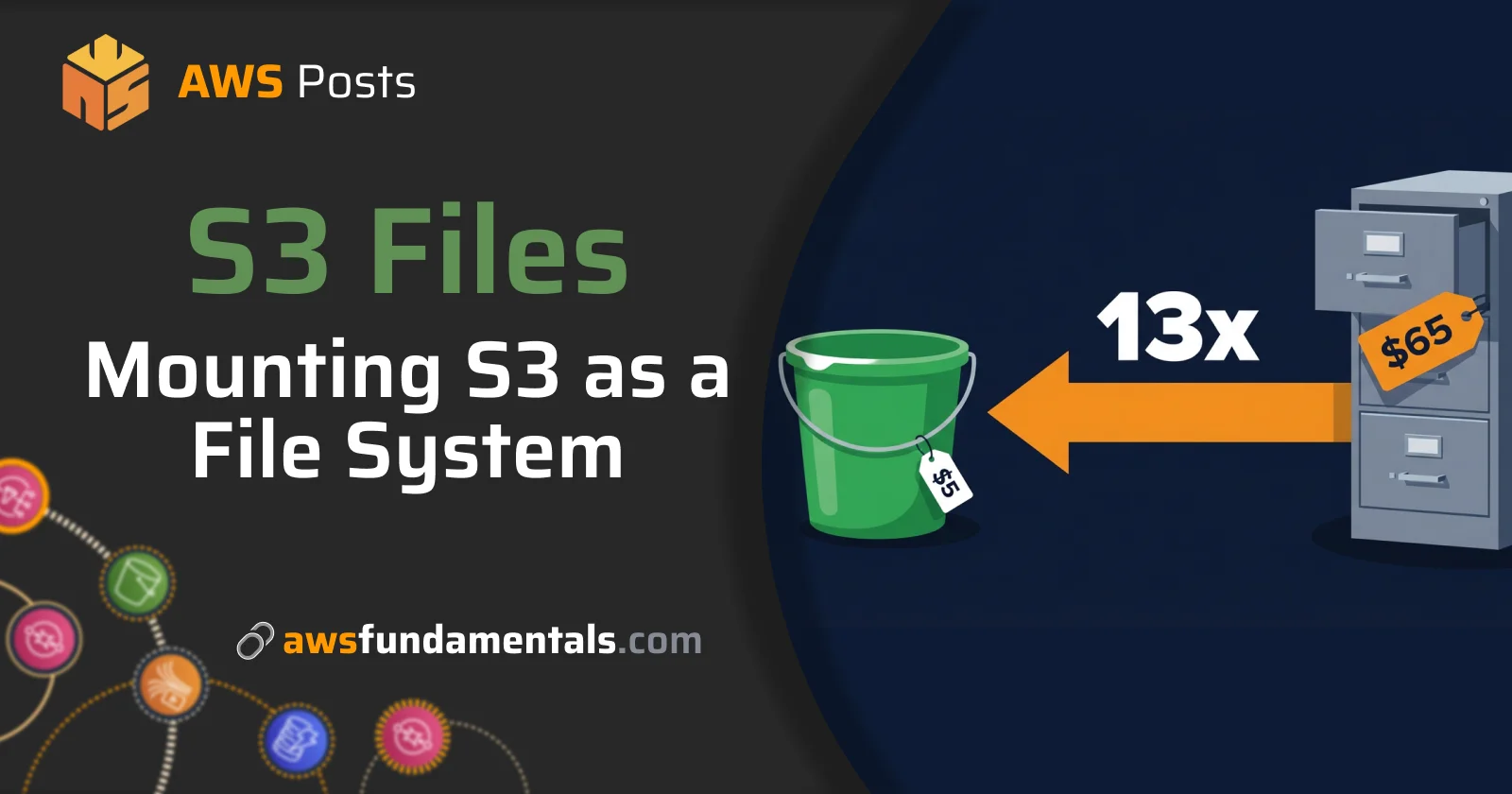
One terabyte on EFS Standard: $307/month. The same terabyte on S3 Files: around $25/month.

EFS vs S3 Files β€” $307 vs $25 for 1 TB

How it works

Three resources to understand:

  1. File system β€” maps NFS paths to S3 object keys.
  2. Mount target β€” the NFS endpoint inside your VPC. Lambda connects over port 2049, same as EFS.
  3. Access point β€” scoped entry with an assigned POSIX user. Lambda uses the access point ARN to mount.

One thing that surprises people: the IAM service role uses the elasticfilesystem.amazonaws.com principal β€” not a separate one. S3 Files shares the NFS layer with EFS. Only the storage backend is different.

⚠️ The 60-second write-back delay

This is the part that bites teams.

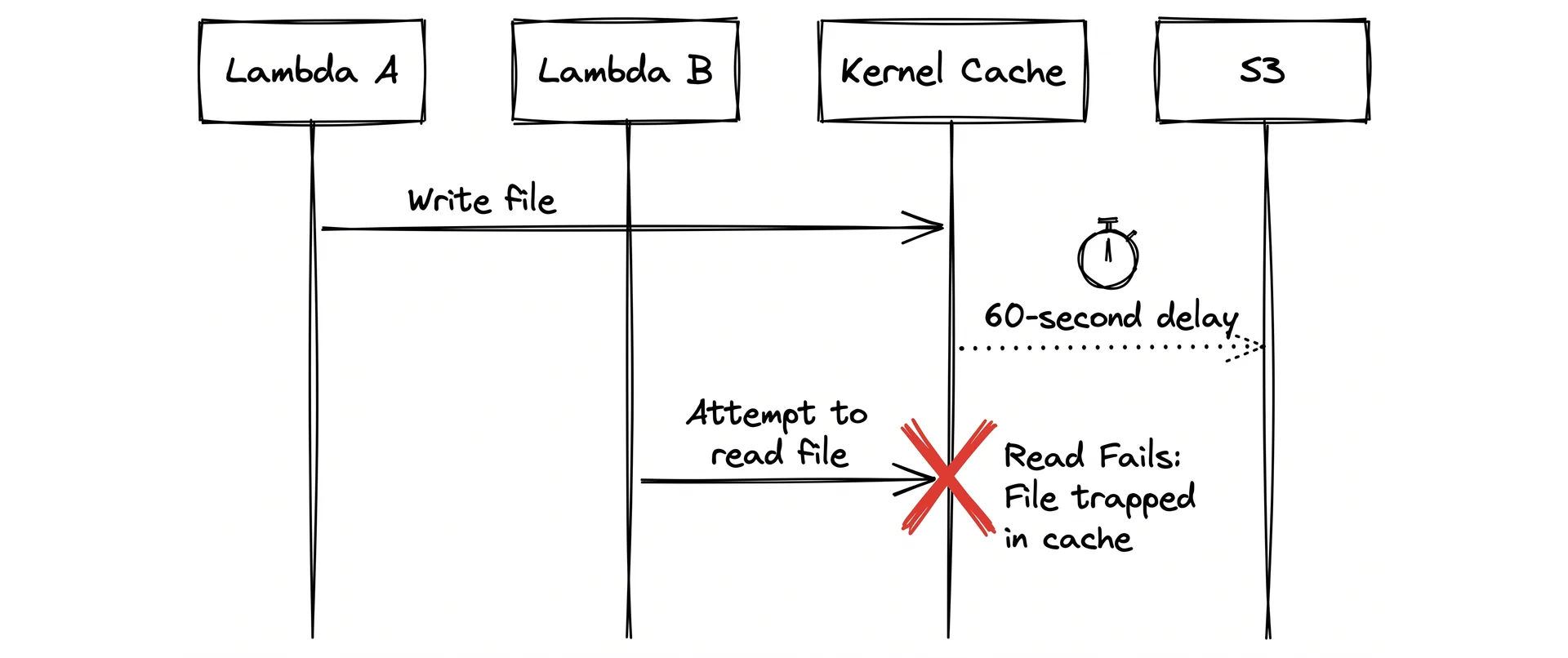
When Lambda writes a file, the data lands in the kernel's NFS cache first. The NFS client flushes that cache to the mount target after a write-back interval. Then the mount target pushes to S3. Two hops, each with their own delay. Total: typically around 60 seconds.

Write-back delay sequence diagram

Patterns that break silently:

  • Coordination via file existence (if file exists, skip)
  • Handoff between concurrent Lambda invocations using file writes as signals
  • Any write-then-immediately-read pattern across different Lambda instances

For coordination: use SQS, DynamoDB, or S3 directly. S3 has had strong read-after-write consistency since 2020.

POSIX limits

If your code only uses fs.readFile, fs.writeFile, fs.readdir β€” you're fine. But these break:

  • Hard links β€” not supported. Tools like rsync --hard-links will error or fall back to copies silently.
  • Advisory locks (flock, fcntl) β€” succeed locally but have no effect across Lambda instances. Concurrent invocations writing to the same cache directory will corrupt data.
  • SQLite, LevelDB, RocksDB β€” all use file locking for write serialization. Corrupt data under concurrent access on S3 Files.
  • Atomic rename on directories β€” the rename window is visible to other readers. The write-to-temp-then-rename pattern isn't atomic here.

When to use which

S3 Files vs EFS decision guide

Use S3 Files when: you need POSIX access to data already in S3, your workload is read-heavy or write-once, cost matters more than consistency speed.

Use EFS when: you need strict read-after-write consistency across concurrent processes, your code uses file locking or hard links, or you're running a file-based database.

The full post walks through the SAM setup, service role permissions, CloudFormation custom resource for async provisioning, and the complete cost model for small-file workloads (where the math flips and S3 Files ends up more expensive than EFS).

πŸ“° This Week in AWS

🌐AWS Interconnect goes multicloud

AWS Interconnect now connects your AWS environment to Google Cloud β€” no VPN, no public internet. Azure and Oracle Cloud support is coming. If you're running workloads across clouds or have contractors on GCP, private connectivity between them just got a lot simpler. Read More β†’

πŸ€–Claude Mythos enters limited preview

Anthropic's Claude Mythos is in preview, but only for a handful of companies so far. Early benchmark results look genuinely impressive. Worth keeping an eye on β€” this one seems different from the usual model release noise. Read More β†’

That's it for this week!

S3 Files is one of those features where the price pitch is obvious but the gotchas are real. The 60-second write-back delay sounds minor until something in production breaks silently.

If you're on EFS for a large-file workload, it's worth a proper test. If you're building something new in Lambda with data already in S3, it's a straightforward win! πŸ’ͺ

See you soon!

Sandro & Tobi

AWS for the Real World

We teach AWS for the real world - not for certifications. Join more than 10,500 developers learning how to build real-world applications on AWS.

Read more from AWS for the Real World

AWS FOR THE REAL WORLD ⏱️ Reading time: 6 minutes 🎯 Main Learning: 5 common AWS account mistakes and how to fix each one in under 10 minutes 🎬 Watch on YouTube Hey Reader πŸ‘‹πŸ½ New week, new AWS deep dive 🐠 In this one, we'll show you the 5 most common mistakes we've seen in almost every AWS account we've looked at. Yes, there are more out there. But these are the ones you'll see everywhere. And they're pretty simple to fix! The good news? Most of these fixes take under 10 minutes. Rather watch...

AWS FOR THE REAL WORLD ⏱️ Reading time: 9 minutes 🎯 Main Learning: Build a self-service portal that grants temporary AWS + Azure access and revokes it automatically β€” using Kestra and one YAML file. πŸ“ Blog Post πŸ’» GitHub Repository 🎬 Watch on YouTube Hey Reader πŸ‘‹πŸ½ Happy new week! Tobi and I met up last week and spent some time planning the videos ahead. We’re going more and more into YouTube β€” and a few things I’m hyped about: The biggest AWS mistakes we’ve made (so you don’t have to) How...

AWS FOR THE REAL WORLD ⏱️ Reading time: 4 minutes 🎯 Main Learning: Which AWS services are worth your time and which ones to skip 🎬 Watch on YouTube Hey Reader πŸ‘‹πŸ½ a new week, new AWS video coming out. I (Sandro) used all of my knowledge from the past six plus years building AWS solutions, ranking the services I actually use and the services I hate. For some I've changed my mind A LOT over the years (e.g. DynamoDB). Let me know what you think and check it out.Here you go AWS News But first of...