The Only Way to Grant Admin Access on AWS


AWS FOR THE REAL WORLD
⏱️
Reading time: 5 minutes
🎯
Main Learning: Deploy AWS's open-source TEAM solution for temporary admin access with approval workflows
🎬

Hey Reader πŸ‘‹πŸ½

I hope you had a great weekend and have a great week ahead.

One thing I see over and over again in AWS setups: admin permissions are either handed out way too easily or way too hard. There is no middle ground.

In other systems this was already solved. You shouldn’t have to DM somebody for admin access.

We don’t want to face it, but there are actions which only admins can do:

  • Redriving SQS messages
  • Increasing Lambda concurrency quotas
  • Adjusting service limits
  • …many other manual actions in the console

But first of all, let's look at our sponsor for this newsletter, which is Coder - start using AI Agents securely in your corporation.

Sponsored

Stop Blocking AI Agents. Start Governing Them.

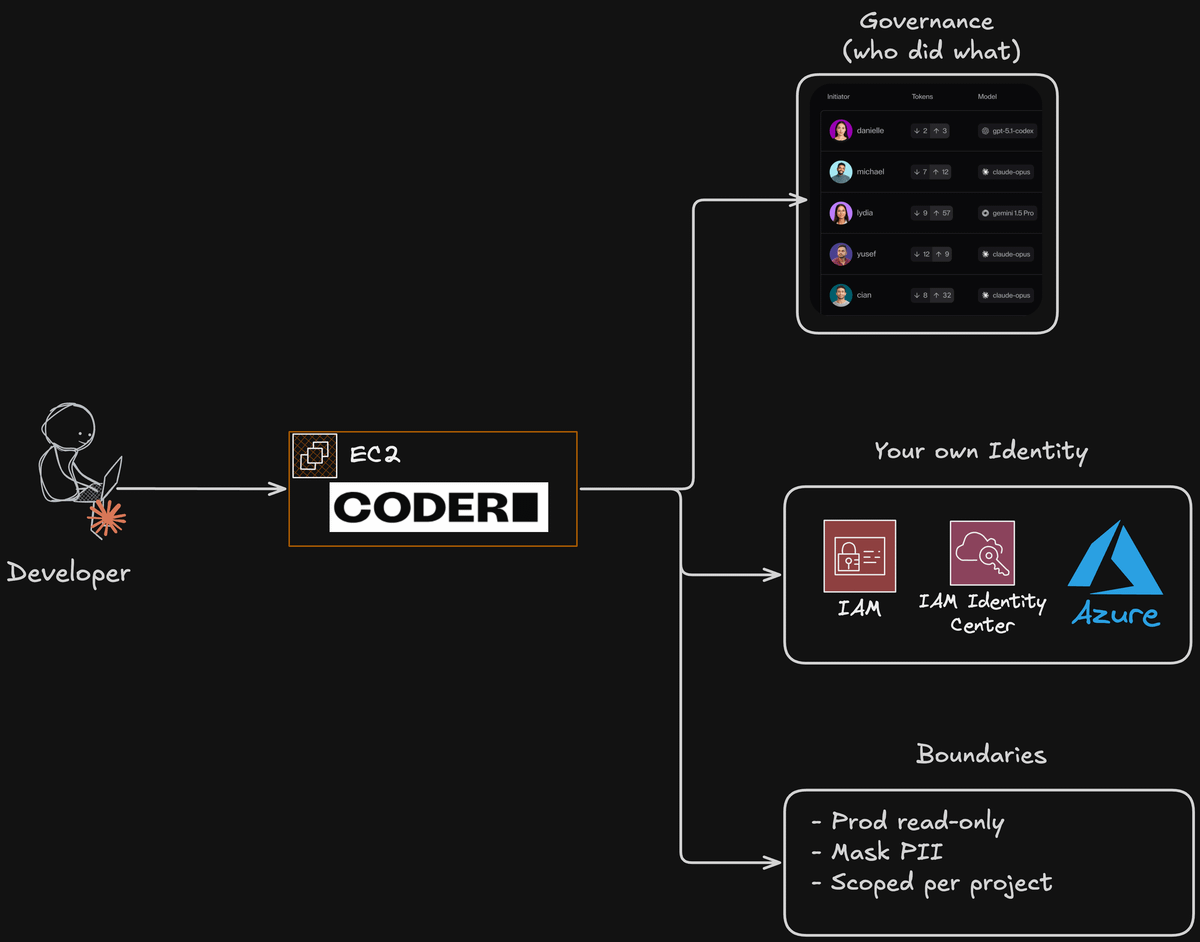
Coder architecture diagram

Blocking AI agents won't make your org safer. Developers will just use them in secret β€” or copy-paste from ChatGPT without any governance. Coder lets you deploy Claude Code in your own AWS account. Your SSO, your audit logs, your rules for what agents can and cannot do.

This issue is sponsored by Coder. Thanks for supporting AWS Fundamentals!

Back to TEAM:

Even if you don’t need admin access a lot, it still makes sense to have a process for it. What typically happens: you give your developers admin access and forget to take it away.

This is where the TEAM application comes in. TEAM stands for Temporary Elevated Access Management. It’s an AWS sample (not a managed service) that handles the process of granting and revoking admin access automatically.

In this issue, I show you how to set it up and how it works. Rather watch a video? I’ve recorded one for you!

video preview​

πŸ“š This Week's Deep Dive

The Problem

Your customer reports a payment issue. You log into the production account with your read-only access. You find 300 messages stuck in an SQS dead letter queue.

You figure out the bug, deploy a fix via CI/CD. Now you need to redrive those messages. But you can't β€” you only have read-only access.

Your options? Wait for the AWS admin to come online. Create a ticket. Get your manager to approve it. Or DM someone.

None of that is great during a production incident.

Why Permanent Admin Access Doesn't Work

You forget to revoke it. You assign the admin permission set, set yourself a reminder, and then forget. Now a developer has permanent admin access to production.

Compliance doesn't allow it. ISO, SOC 2 β€” they all require least privilege. Permanent admin access for everyone is not compliant.

It takes effort. The developer doesn't want to ask five people or pull their manager out of a meeting just to redrive some messages.

The TEAM Solution

TEAM stands for Temporary Elevated Access Management. It's an open-source AWS sample β€” not a managed service β€” that gives developers a self-service portal for requesting temporary admin access.

The flow is simple: a developer requests admin access for a specific account and duration (e.g. 1 hour). An admin gets a Slack notification, approves it, and the developer gets temporary access. After the time expires, it's automatically revoked.

Architecture

Fully serverless β€” you won't pay anything when nobody uses it. The stack:

  • CloudFront + React SPA β€” the self-service portal
  • AWS AppSync (GraphQL) β€” API layer
  • Lambda resolvers β€” business logic
  • DynamoDB β€” requests, approvers, sessions
  • Step Functions β€” orchestration for approving, rejecting, scheduling revocation
  • Identity Center (SAML) β€” single sign-on integration

Deployment Prerequisites

You need:

  • An AWS Organization (not a single account)
  • IAM Identity Center with permission sets
  • A dedicated TEAM account β€” don't deploy this in the management account
  • CloudTrail Lake event data store in the TEAM account
  • Two Identity Center groups: team-admins and team-auditors

Deployment Steps

1. Clone the repo β€” grab the open-source GitHub repository.

2. Configure parameters β€” copy the template, fill in your Identity Center login URL, region, account IDs, and AWS CLI profile names.

3. Run the init script β€” delegates admin permissions for Account Manager, CloudTrail, and Identity Center to your TEAM account.

4. Deploy via CloudFormation β€” creates an Amplify-hosted app. The first deployment takes ~20 minutes.

5. Configure SAML + Cognito β€” integrate the app with Identity Center so your users can sign in with SSO.

6. Set up eligibility policies β€” define which groups can request which permission sets, for how long, and whether approval is required.

Slack Notifications

Create a Slack app with chat:write, im:write, users:read, and users:read.email permissions. Install it in your workspace, copy the OAuth token, and paste it into the TEAM settings. The app auto-matches users by email.

Gotchas

  • One eligibility policy per group. You can't have different approval rules for different permission sets within the same group. There's an open feature request for this on GitHub.
  • No proper IaC. The setup is manual. For production, consider wrapping it in CDK and seeding the DynamoDB tables with your permission set config.

That's it for this week!
If you're running an AWS Organization and your developers still DM you for production access β€” give TEAM a try. It's free, open source, and fully serverless.
See you soon!

Sandro & Tobi

AWS for the Real World

We teach AWS for the real world - not for certifications. Join more than 10,500 developers learning how to build real-world applications on AWS.

Read more from AWS for the Real World

AWS FOR THE REAL WORLD ⏱️ Reading time: 6 minutes 🎯 Main Learning: Three levels of AWS observability β€” from raw console.log to a Claude Code agent that queries CloudWatch for you. πŸ“ Blog Post πŸ“‚ Claude Code agent (free gist) 🎬 Watch on YouTube Hey Reader πŸ‘‹πŸ½Quick check β€” when did you last close the CloudWatch console and feel like that was time well spent?Yeah, me too. And I'm done with it. In this week's video, I will show you how to never open the CloudWatch console again. As a good...

AWS DevOps Agent β€” your AI SRE is now on call

AWS FOR THE REAL WORLD ⏱️ Reading time: 12 minutes 🎯 Main Learning: AWS DevOps Agent investigates incidents autonomously across CloudWatch, CloudTrail, and your code. It surfaces evidence brilliantly β€” but can confidently point at the wrong root cause, so don't apply its fixes blindly. πŸ“ Blog Post Hey Reader πŸ‘‹πŸ½ I was in Portugal for the past week. 10 days of tennis, padel, sun and waves 🎾 Highly recommended place! Our daily lives as software developers really changed since we started using...

AWS FOR THE REAL WORLD ⏱️ Reading time: 10 minutes 🎯 Main Learning: S3 Files gives POSIX access at S3 prices: 13x cheaper than EFS for large files, but the 60-second write-back delay silently breaks coordination patterns! πŸ“ Blog Post πŸ’» GitHub Repository 🎬 Watch on YouTube Hey Reader πŸ‘‹πŸ½ Sandro is currently traveling through Portugal - work and fun combined! If you happen to be around, reach out. Would be great to meet up! 🀝 This week we're digging into S3 Files: a POSIX file system backed by...